
How to Withdraw Money from Your Bet9ja Account in Nigeria
Easy steps to withdraw your Bet9ja winnings in Nigeria 💰. Learn how to cash out safely, check requirements, withdrawal methods, and solve common issues fast.
Edited By
Funke Adeyemi
Verifying your Bet9ja account is not just a formality—it’s a must to enjoy smooth betting without interruption. Bet9ja, one of Nigeria’s top sports betting platforms, requires verification to confirm your identity and prevent fraud. This process ensures your funds are safe and your winnings can be withdrawn quickly.
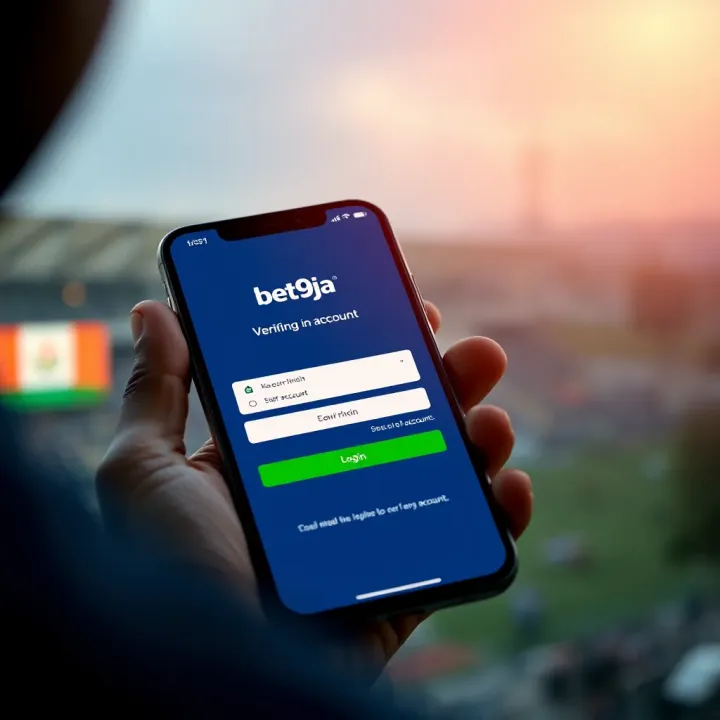
Without verification, you might face limits on withdrawals, delays, or even account suspension. The Central Bank of Nigeria’s rules on financial transactions have pushed betting platforms like Bet9ja to be strict about identity confirmation. This means verification protects you, the bettor, and keeps Bet9ja compliant with regulations.
To verify your account, have the following ready:
A clear photo or scan of a valid government-issued ID like your National Identity Number (NIN) slip, driver's licence, international passport, or voter’s card.
A recent proof of address (not older than three months), such as a utility bill, bank statement, or tenancy agreement.
Your phone number and email address linked to your account must be active and verifiable.
Ensure that all documents are clear and readable. Blurry or incomplete submissions can cause delays.
Log in to your Bet9ja account through the website or mobile app.
Navigate to ‘My Account’ or the profile section.
Locate and select the ‘Verify Account’ option.
Upload the necessary documents as requested.
Submit and wait for confirmation, which usually takes up to 24 hours.
If your documents meet the platform’s standards, your verification will be approved quickly, allowing you to place bets and withdraw winnings without hurdles.
Users sometimes submit photos in poor lighting or upload the wrong document type. This leads to rejection or requests for re-submission. Double-check that:
The ID matches your Bet9ja registration details.
The proof of address shows your current residence clearly.
Files are within the file size limits and formats accepted by Bet9ja (usually JPG, PNG, or PDF).
Having these details sorted helps avoid back-and-forth and speeds up your betting experience.
In a nutshell, preparing your documents properly and following the verification process closely will save you time and frustration. Once verified, your Bet9ja account is fully ready to enjoy the platform’s full features, including fast withdrawals and better account security.
Bet9ja account verification serves as the gatekeeper for a secure and responsible betting experience in Nigeria. Its significance goes far beyond ticking a box—it is what ensures that the platform operates within Nigerian law, protects your funds, and gives you full access to its features. Without proper verification, you might find yourself stuck with limited account functionality or even risk losing money.
The Nigerian government closely monitors online betting activities through agencies like the National Lottery Regulatory Commission. Bet9ja must comply with these regulations, which include verifying that users are genuine and of legal age to gamble (18 years and above). This process is not just bureaucratic red tape; it is designed to prevent underage betting and illegal gambling practices. For instance, a user who doesn't provide valid identification could have their account flagged or eventually suspended to meet regulatory standards. This protects the integrity of the game and helps maintain a safe environment for all bettors.
Verification shields your Bet9ja account from fraudsters aiming to exploit users for financial gain. By confirming your identity, Bet9ja can prevent unauthorised access and mitigate risks related to account theft or hacking. Imagine someone guessing or stealing your login details; if your account isn’t verified, losing access could mean losing your money too. Verified accounts often have additional security checks and can recover lost access quicker. Plus, with increasing reports of online scams, this extra layer of protection is essential for peace of mind when betting digitally.
Many first-timers stumble when trying to withdraw their winnings before completing verification. Bet9ja restricts withdrawals until your account is fully verified to ensure funds aren’t moved illicitly. Once verified, you unlock the ability to cash out your winnings to your bank account or e-wallet without hassle. Beyond withdrawals, verified users often gain access to exclusive features like promotions, higher betting limits, and certain sports markets reserved for fully vetted customers. This means that skipping verification is like having your hands tied behind your back on Bet9ja.
Completing your Bet9ja account verification isn't optional if you want a smooth betting ride—it is necessary for security, regulatory compliance, and full platform enjoyment.
With these points in mind, taking the time to verify your Bet9ja account saves you trouble and puts you in control of your betting experience in Nigeria.
Getting your Bet9ja account verified starts well before clicking 'submit'. Preparing your documents properly can save time and prevent frustration later. It also boosts your chances of a swift approval so you can place bets and withdraw winnings without hiccups. Nigerian regulators require strict Know Your Customer (KYC) checks, so Bet9ja ensures your identity matches submitted information to prevent fraud and underage betting. Before diving into the process, gathering everything you need with care is a worthwhile first step.
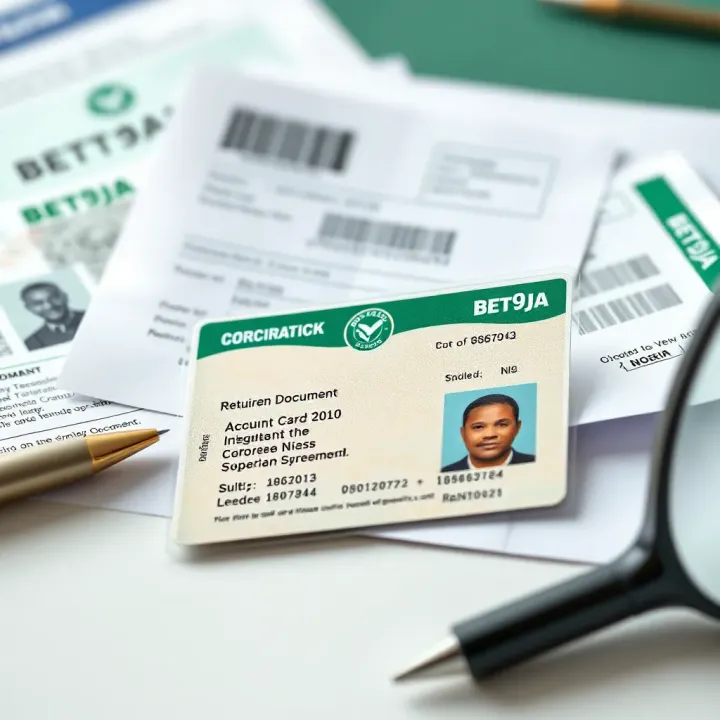
A valid form of identification acts as your proof of identity. Bet9ja accepts several options here: a Nigerian National ID card, driver’s licence, or international passport. For example, a young professional with a driver’s licence can easily upload a clear photo or scan of it. This document tells Bet9ja who you are and ensures you are the rightful owner of the account.
This step also helps prevent identity theft, a real concern in Nigeria’s digital space. Using official government-issued IDs adds credibility to your account and secures your funds.
Bet9ja also needs evidence of your current residence in Nigeria. This can be a recent utility bill, such as from Abuja Electricity Distribution Company (AEDC) or any bank statement showing your name and address. For example, if you live in Lagos and receive a monthly NEPA bill, you can snap a legible picture of it.
Proof of address confirms your local standing and aligns your account with Nigerian gambling regulations. It also helps if you want to resolve disputes quickly or need to verify withdrawal requests.
A recent passport-size photograph verifies that the ID you submitted belongs to you. This shows Bet9ja what you currently look like. The photo should be clear, preferably taken against a plain background, without accessories that obscure your face.
For instance, if you recently updated your look with new glasses or hair style, ensure the picture reflects this to avoid confusion when reviewers cross-check your account.
Poor quality photos or scans often lead to delays or outright rejection. Make sure all documents are well-lit, centred, and fully visible with no blurred details. Avoid glare that obscures information or shadows that hide parts of the document. Using your phone’s camera at a high resolution often does the trick.
Also, check that file sizes meet Bet9ja’s upload limits and format requirements (usually JPEG or PDF). Double-check everything before submitting. This simple care prevents back-and-forth that slows your access to full platform features.
Taking time to prepare quality and accurate documents not only fast-tracks your Bet9ja verification but protects your account against fraud and withdrawal delays. Give this step the attention it deserves to enjoy smooth betting experiences from day one.
Confirming your Bet9ja account is essential if you want smooth withdrawals, enhanced security, and full access to all features. This step-by-step guide cuts through the hassle and shows you exactly how to get verified without unnecessary delays. Taking it method by method will save you time and avoid common mistakes.
Start by logging into your Bet9ja account, either on the website or through the mobile app. Once logged in, navigate to your profile or account settings area. You’ll find an option labelled something like ‘Account Verification’ or ‘Verify Your Account’. This section centralises all verification activities and is designed to be user-friendly. For instance, if you’re using the app, tapping the menu icon at the top left usually reveals this option quickly.
Once you’re in the verification section, the next step is uploading your documents. Bet9ja typically requests items like a valid ID card, driver’s licence, or international passport, alongside proof of address such as a utility bill or bank statement. Upload clear, readable photos of these documents. Blurry or cropped images often lead to rejection. Use good lighting and make sure the entire document is visible to avoid delays. For example, this is especially important if you’re snapping your utility bill with your phone – don’t cut off any edges or blur key details.
After uploading your documents, double-check that all files meet the requirements before clicking ‘Submit’. This action sends your verification request for review. At this stage, it’s critical to ensure your details on the uploaded documents match your Bet9ja profile exactly – mismatched names or addresses often cause rejections. Submitting early without reviewing can mean going through the process again, so patience here proves valuable.
Once submitted, Bet9ja provides a way to track your verification status within your account. You might see labels like ‘Pending’, ‘Under Review’, or ‘Verified’. Keep an eye on notifications and emails from Bet9ja as they may request additional information or documents. If your status remains unchanged for days, reaching out to their customer support can help clarify any bottlenecks.
Quick tip: To avoid delays, confirm your internet connection is stable before uploading documents and keep digital copies ready for quicker submission next time.
By following this clear, practical process, you’ll avoid typical pitfalls and get your Bet9ja account verified efficiently. This means quicker withdrawals, better security, and an overall smoother betting experience.
Verifying your Bet9ja account is not always a straightforward process; you might run into some bumps along the road. Knowing common issues helps you avoid delays and frustration. This section highlights typical problems such as rejected documents, delayed verification, and offers practical solutions so you can get verified without much stress.
One of the most frequent reasons for verification failure is submitting documents that Bet9ja rejects. Documents get rejected primarily because of poor quality or mismatches. For instance, if your scanned national ID card or driver’s licence is blurry, cropped, or has glare marks, the system or verification agents might not accept it. Another cause is when the documents do not exactly match the personal information you registered with on Bet9ja.
To avoid rejection, always check your scans or photos for clarity and completeness before uploading. Make sure the entire document is visible, with no fingers or shadows covering any part. Also, confirm that your name, date of birth, and address on the documents are consistent with your Bet9ja profile. For proof of address, recent utility bills or bank statements (no older than three months) are best, avoiding handwritten notes which Bet9ja does not accept.
Lagging verification times can test your patience, especially if you want to start betting or withdraw winnings quickly. Some delays result from high verification volumes during peak periods, like during Lagos football season or ember months when many new users sign up. Others might occur due to internal processing issues on Bet9ja’s side.
The best action here is patience, but you can also check your verification status regularly through the Bet9ja app or website. If your verification is unusually delayed beyond 72 hours, note down your account details and submission date, then prepare to reach out for support. Avoid submitting your documents multiple times, as that can slow things further.
When issues persist, Bet9ja’s customer support is your next stop. They can clarify why a document was rejected, or give updates on why your verification is taking longer than expected. You can contact them through live chat on the website or via their official social media channels. Phone support is less common but sometimes available.
Have your account information and copies of submitted documents ready before contacting support. Explain your issue clearly and exactly, such as "My address proof was rejected due to legibility," or "I have waited more than 72 hours with no update on verification." This way, the support team can respond faster and more effectively.
Facing verification issues can delay your betting plans, but knowing how to resolve common problems will get your Bet9ja account ready for action more smoothly.
Addressing these common obstacles ensures you avoid unnecessary delays or rejections when verifying your Bet9ja account in Nigeria. Keep your documents neat and current, stay patient during processing, and reach out promptly if problems arise — this method guarantees a smooth betting experience.
Completing your Bet9ja account verification unlocks several important benefits that improve your overall betting experience. Beyond just complying with regulations, verification directly affects your ability to interact fully with the platform, secure your funds, and access special offers.
One major advantage of verifying your Bet9ja account is the ability to withdraw winnings without restrictions. Unverified accounts typically face limits or complete blocks on cashouts to prevent fraud and underage betting. Once your documents are approved, you gain unrestricted access to your funds, allowing you to transfer winnings to your bank or mobile wallet freely. For example, a bettor who has successfully submitted a valid ID and proof of address can withdraw a ₦50,000 win directly to their GTBank account instead of waiting or risking delayed payments.
Verification also significantly boosts your account security. With verified details, Bet9ja can more effectively monitor suspicious activities, reducing chances of unauthorised access or hacking. This adds a solid layer of fraud protection, safeguarding your deposits and winnings. Consider a case where an unverified account gets accessed by a third party due to weak security; verification ensures your identity is confirmed, so unauthorised attempts are easier to detect and prevent.
Security is not just about passwords—it’s about proving who you are. Verification locks down your account against fraudsters.
Many Bet9ja promotions and bonuses are only available to fully verified users. These may include welcome bonuses, free bets, and special event stakes that can increase your winning chances. Being verified means you’re qualified to take advantage of these offers without hassle. For instance, during major football tournaments, Bet9ja often runs bonus campaigns that require user verification to qualify for bonus credits or cashback rewards.
Completing your Bet9ja account verification is a straightforward step that delivers real value—making your betting safer, smoother, and more rewarding. Taking time to verify your identity translates into easier withdrawals, stronger protection, and access to the perks you want.
Getting your Bet9ja account verified can be straightforward if you follow a few practical tips. Taking care of your personal information and documents before you start the process helps prevent unnecessary delays and frustrations. These tips ensure your verification runs as smooth as possible, enabling you to enjoy betting without interruptions.
Always ensure the personal details you provide during registration and verification match exactly with your identification documents. For example, if your name appears as "Adebola Adeyemi" on your passport, do not use nicknames or initials on your Bet9ja profile. Even minor mismatches, like spelling differences or date formats, can lead to verification failure.
In Nigeria, it's common for people to have multiple names or spellings, but consistency is key here. Verify that your phone number and email address are current and correctly entered, as Bet9ja often uses these to confirm your identity or send updates. If you change your address, remember to update Bet9ja promptly to avoid verification hiccups.
Uploading your documents requires a stable internet connection. A slow or intermittent connection might cause uploads to fail or corrupt your files, leading to repeated submissions and delays. For instance, if you’re using a mobile network with weak signal in a crowded danfo bus station, it’s better to wait until you’re on a stable Wi-Fi network or at home before submitting.
Check that your device is connected properly and test the upload size limits on the Bet9ja platform beforehand. Avoid using public Wi-Fi hotspots that may drop connections unexpectedly during the upload. A smooth, successful upload saves you time and stress.
Before hitting the submit button, double-check every document you plan to upload. Ensure the ID or passport is valid, not expired, and all the details are clear and legible. Blurry or poorly lit photos can cause your application to be rejected.
Also, verify that your proof of address matches the details on your Bet9ja account. For example, a recent electricity bill or bank statement dated within the last three months works best. Crop unnecessary borders if possible, but maintain full visibility of important information.
Taking a moment to review these documents can make the difference between a quick verification and a long wait. A helpful trick is to preview your images on your device before uploading to confirm clarity.
Remember: Careful preparation before document submission cuts down on back-and-forth with customer support and speeds up your access to full Bet9ja services.
Applying these tips will help you breeze through Bet9ja's verification smoothly, so your betting fun isn’t put on hold.
Easy steps to withdraw your Bet9ja winnings in Nigeria 💰. Learn how to cash out safely, check requirements, withdrawal methods, and solve common issues fast.
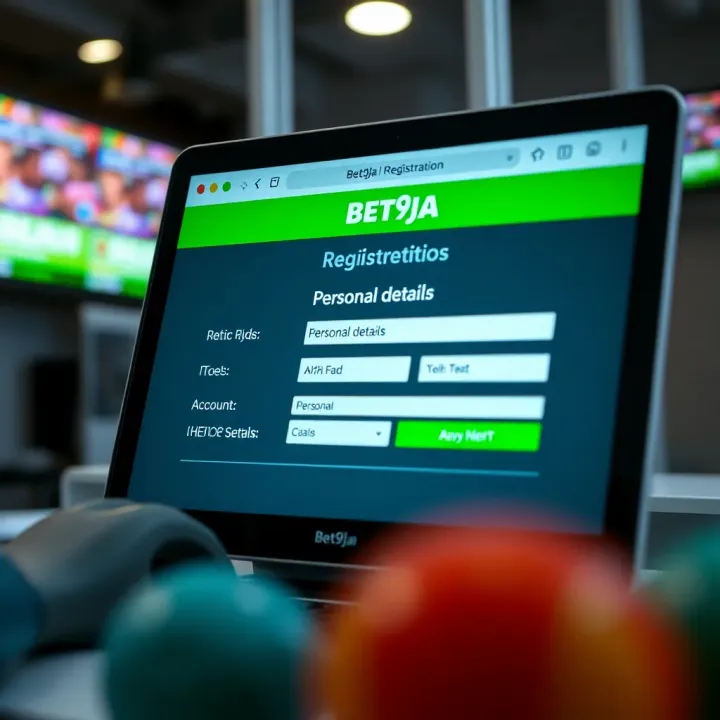
🎯 Ready to bet on sports? Learn how to register with Bet9ja step-by-step, secure your account, fund with local ₦ options, and play responsibly in Nigeria today!
Learn how to register and create your Bet9ja account easily 🎯. Get step-by-step guidance on web and mobile signup, verification, security tips 🔒, and your first ₦ deposit.
🎲 Learn how to register, login, and troubleshoot your Bet9ja account with ease. Stay safe and secure while enjoying betting thrills in Nigeria’s top sports platform! 🇳🇬
Based on 6 reviews